
The 23 best call center software solutions in 2025


Whether it's handling customer requests, providing technical support or closing sales, an effective call center needs high-performing tools to optimize its operations.
Call center software is a technology solution designed to help agents manage customer interactions efficiently and professionally. This software typically combines telephony, call management, intelligent routing, performance tracking and quality management features, all in a single unified interface.
Its goal is to enable contact centers to deliver quality customer service while optimizing agent productivity and reducing operating costs.
Discover our list of the best call center software, along with a buying guide to help you equip your team in-house.
1. Batvoice AI - Quality monitoring and voice of the customer
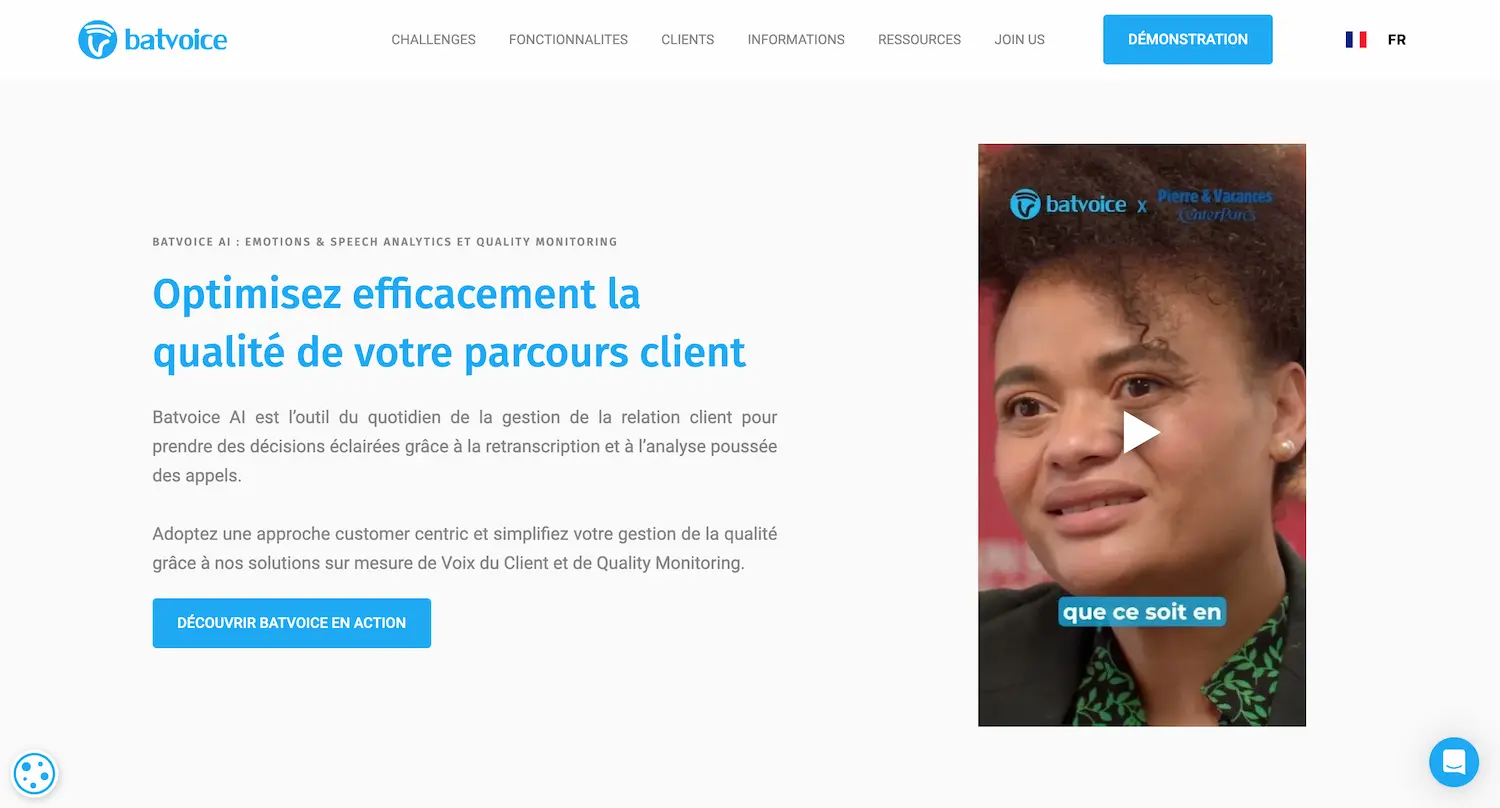
Batvoice AI offers a French quality monitoring solution that transforms the way you evaluate your customer interactions. Thanks to artificial intelligence, you can automate call evaluation and go from around 2 evaluations per agent per month to more than 50. This automation saves significant time and reduces costs for your company.
The solution also offers voice of the customer analysis (VoC) features. By identifying the sentiments and feedback your customers express during calls, Batvoice AI helps you identify your service's strengths and areas for improvement. You can turn your interactions into drivers of conversion, retention and customer satisfaction.
Another key advantage of Batvoice AI is its ability to integrate seamlessly with all contact center software through custom connectors. This full integration enables smooth communication between the various tools your call center uses, optimizing your teams' efficiency and productivity.
In summary, here are the main advantages of Batvoice AI:
- Automated quality evaluations
- Improved quality processes
- Advanced semantic and emotion analysis
- Real-time monitoring of interactions
- GDPR compliance
- Integrations with all customer service software
- Advanced reporting features
Batvoice AI adapts to your specific needs. Whether you are a supervisor or a quality analyst, you can use this tool to optimize your quality processes, better understand your customers and improve your call center's performance.
2. Akio
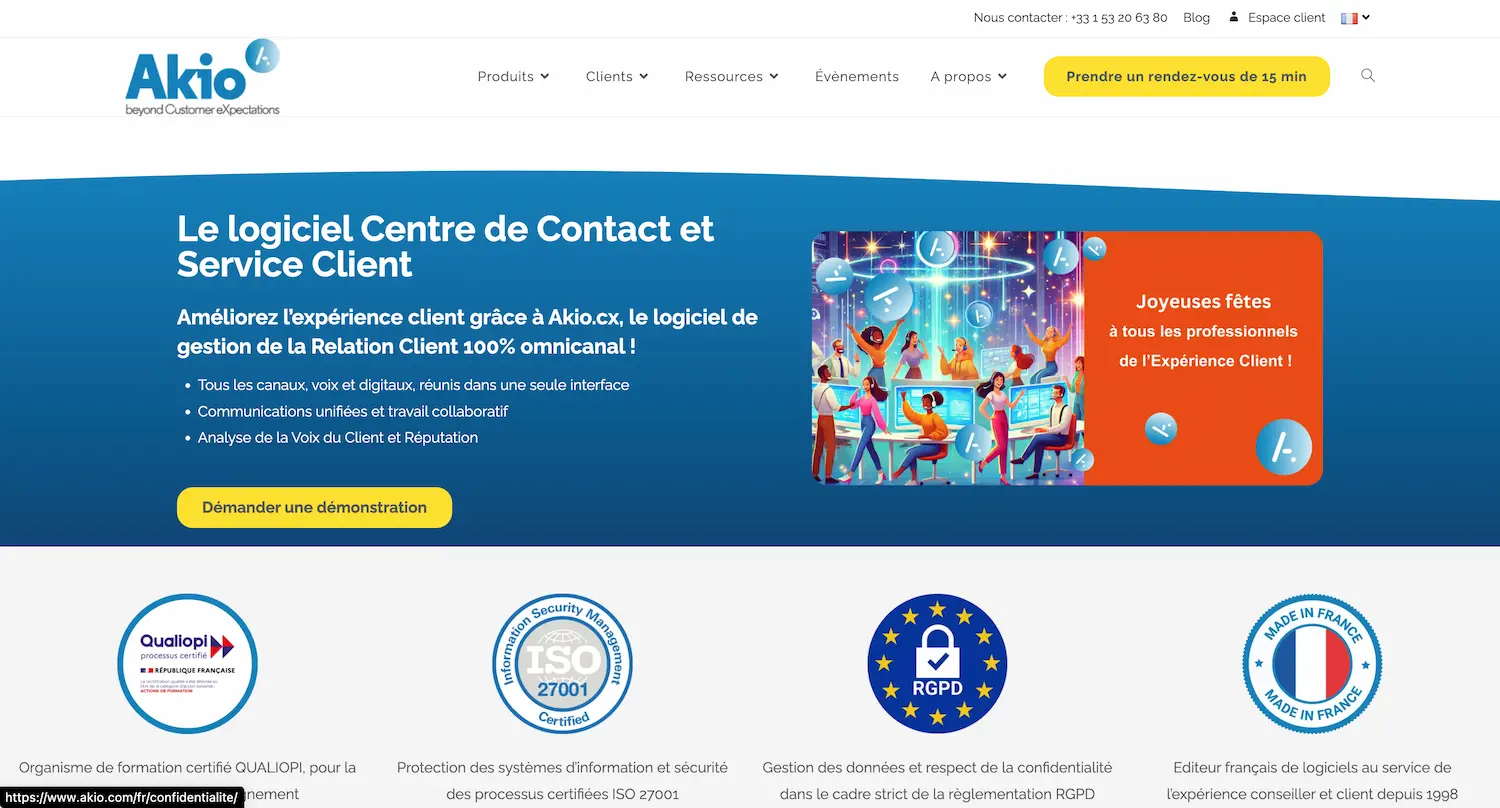
Akio offers a CCaaS (Contact Center as a Service) solution with a full range of features to optimize your customer service.
With Akio, you get efficient call management, covering both inbound and outbound calls. The system automatically handles simple requests, freeing your agents for more complex tasks.
The platform also integrates digital channels such as chat and email, so you can deliver a consistent omnichannel customer experience.
The Akio.cx software uses artificial intelligence to analyze conversations and provide valuable insights, helping you continuously optimize your customer service.
The main advantages of Akio CCaaS:
- Flexibility and scalability
- Lower infrastructure costs
- Easy integration with your existing tools
- Real-time analytics to improve your performance
3. Axialys
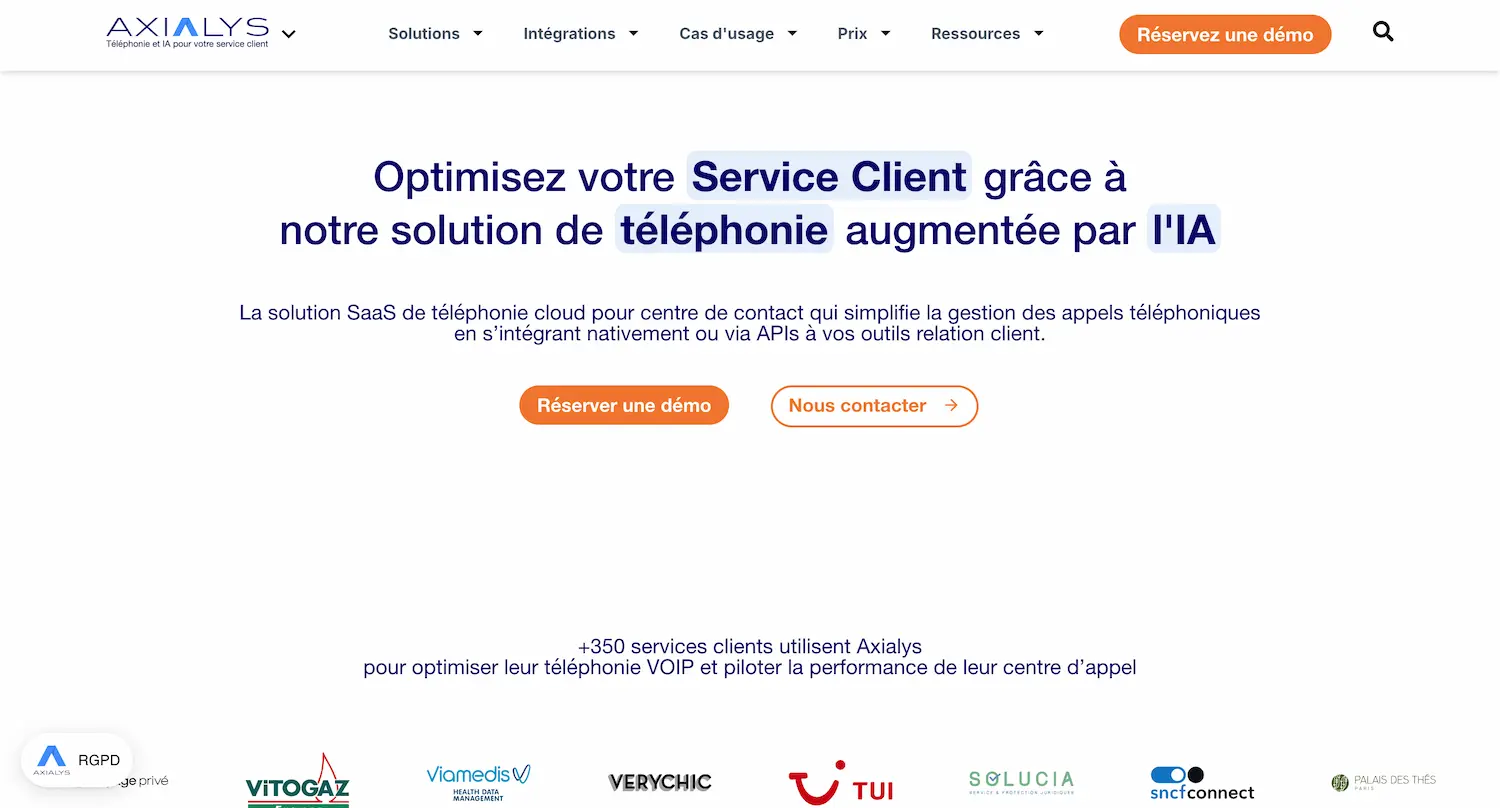
Axialys offers a CCaaS solution that optimizes the management of your customer interactions across all communication channels.
You get a unified interface that improves your agents' productivity. Axialys software integrates easily with your existing CRM tools via native connectors or APIs.
Key features include:
- Inbound and outbound call management
- Intelligent call routing
- Satisfaction surveys
- Callback requests
Axialys focuses on the French market, so you benefit from local support and expertise tailored to the specific needs of that market.
4. Eloquant
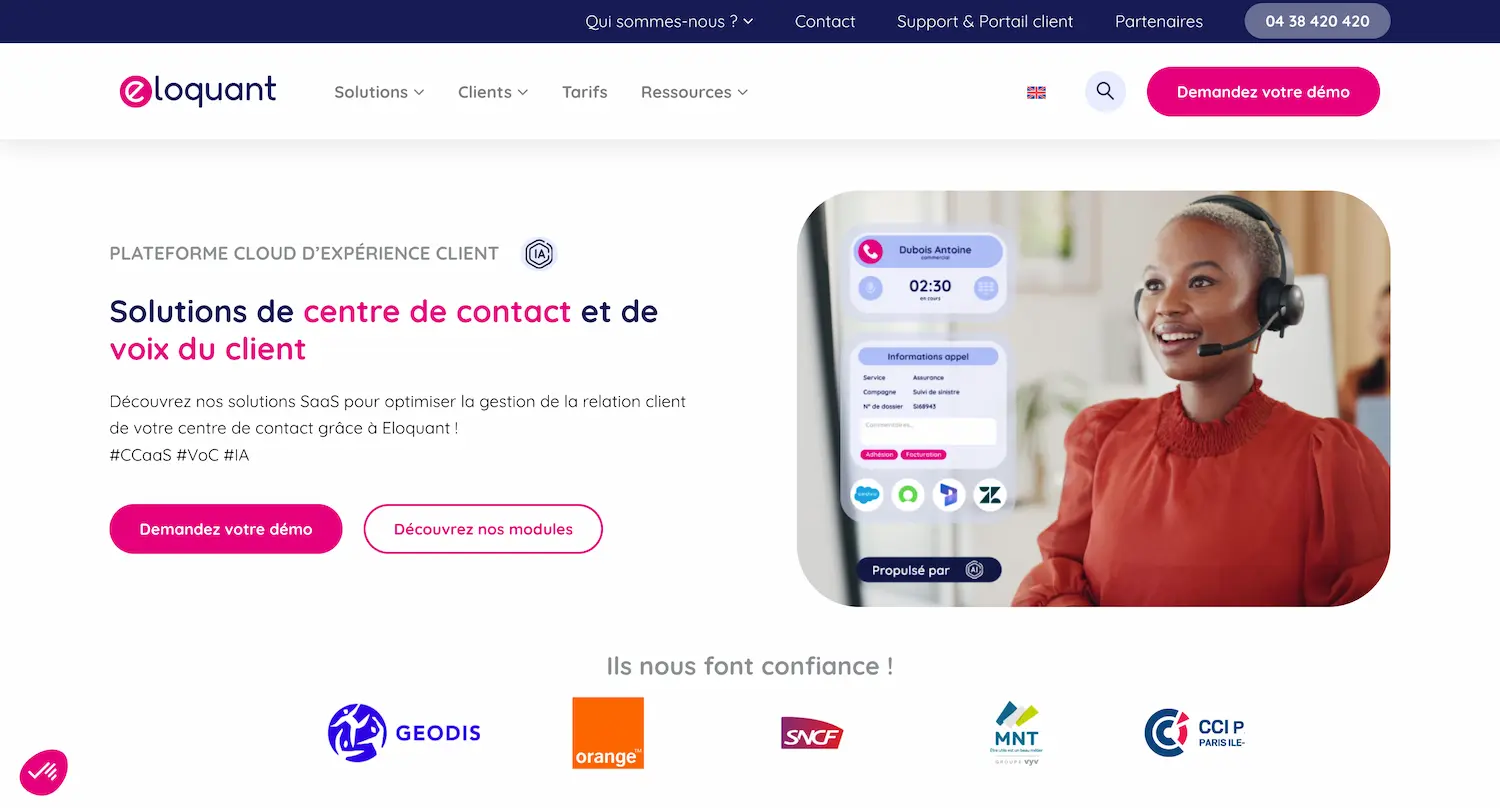
Eloquant offers a CCaaS (Contact Center as a Service) solution particularly suited to small and medium-sized European businesses. The platform lets you efficiently manage customer interactions across multiple channels.
You can handle voice calls, emails, chats and SMS from a single interface. This simplifies your agents' work and improves their productivity.
Eloquant stands out for its ability to handle large volumes of interactions. Every year, the platform manages 650 million voice and digital interactions.
The solution integrates with your existing CRM, so your agents can make calls directly from the CRM interface and save valuable time.
Here are the main advantages of Eloquant:
- Unified interface for all communication channels
- AI-powered intelligent call routing
- Improved agent efficiency
- Simplified management of customer interactions
5. Odigo
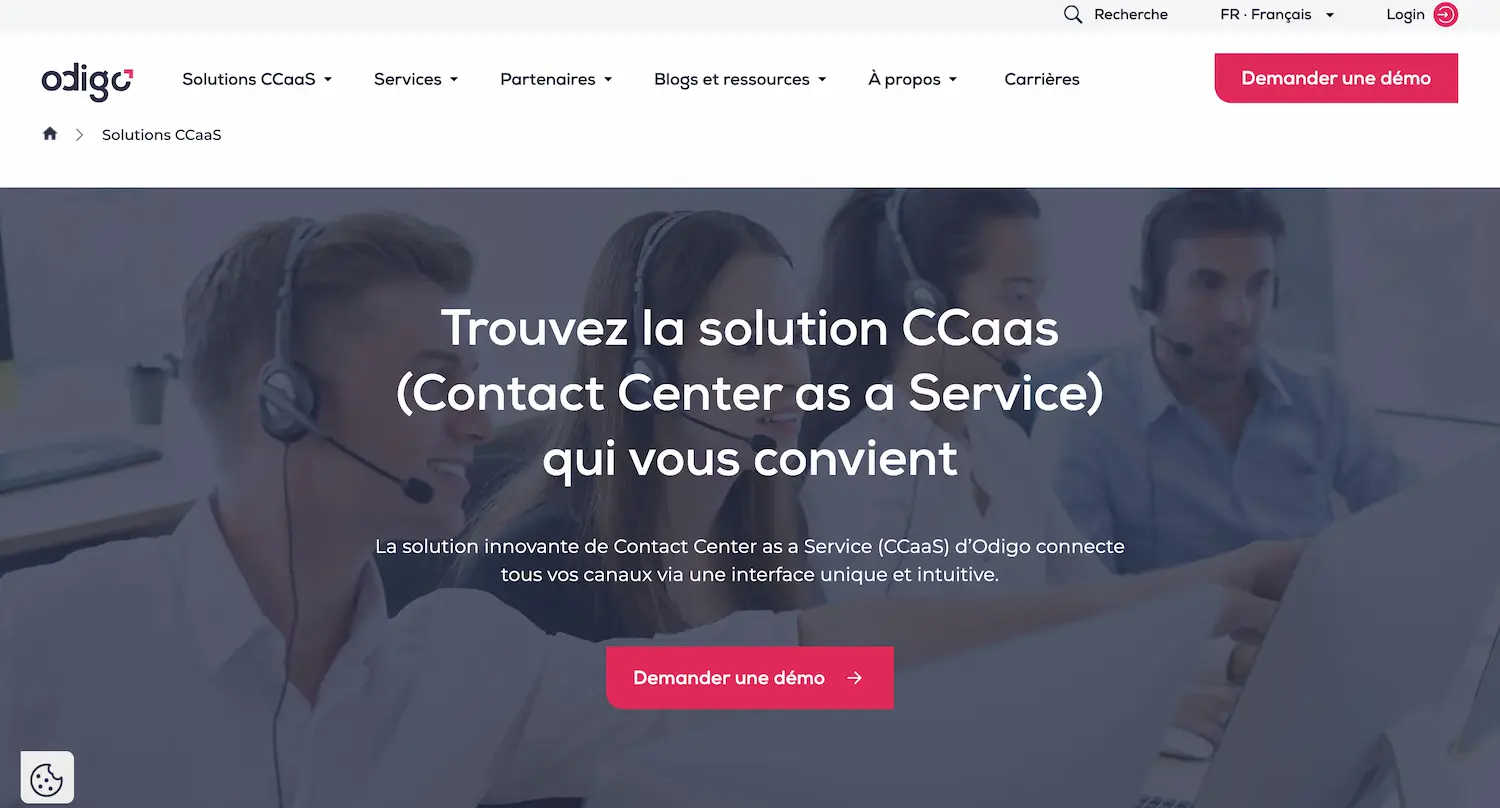
Odigo offers comprehensive, fully cloud-based contact center management. You can connect all your voice and digital channels to create an omnichannel customer experience.
The Odigo platform stands out for its flexibility and security. It lets you easily adapt your services to your company's changing needs.
Here are some key advantages of Odigo:
- Integration of multiple communication channels
- Real-time analytics to optimize performance
- Artificial intelligence tools to improve the customer experience
The Odigo platform uses cutting-edge technologies to ensure an optimal customer and agent experience, giving you a modern, scalable solution for your call center.
6. Kiamo
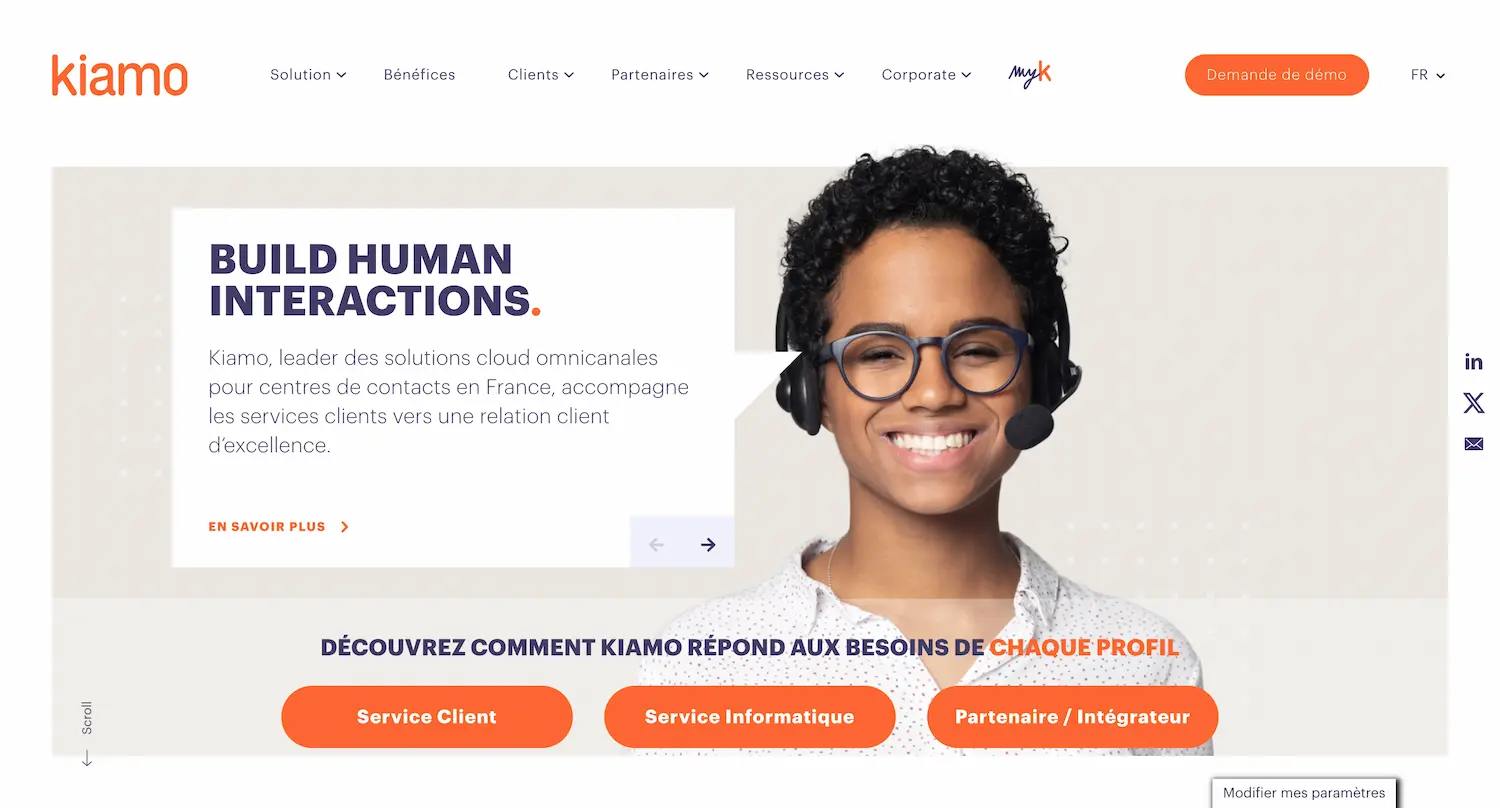
Kiamo is an omnichannel platform for contact centers. It gives you a single interface to manage all your customer interactions.
With Kiamo, you can centralize all your communication channels:
- Inbound and outbound calls
- Emails
- Live chat
- SMS and messaging apps (WhatsApp, Messenger)
- Video
Kiamo's intelligent routing sends each interaction to the most qualified agent. This improves your teams' productivity and customer satisfaction.
Kiamo's intuitive interface provides a 360° view of each customer. Your agents have access to the full interaction history, making it easier to personalize service.
To increase efficiency, Kiamo offers automation tools. You can create workflows to handle certain simple requests automatically.
The solution also includes resource management and scheduling features, helping you optimize your teams' schedules based on forecast activity volume.
7. RingCentral
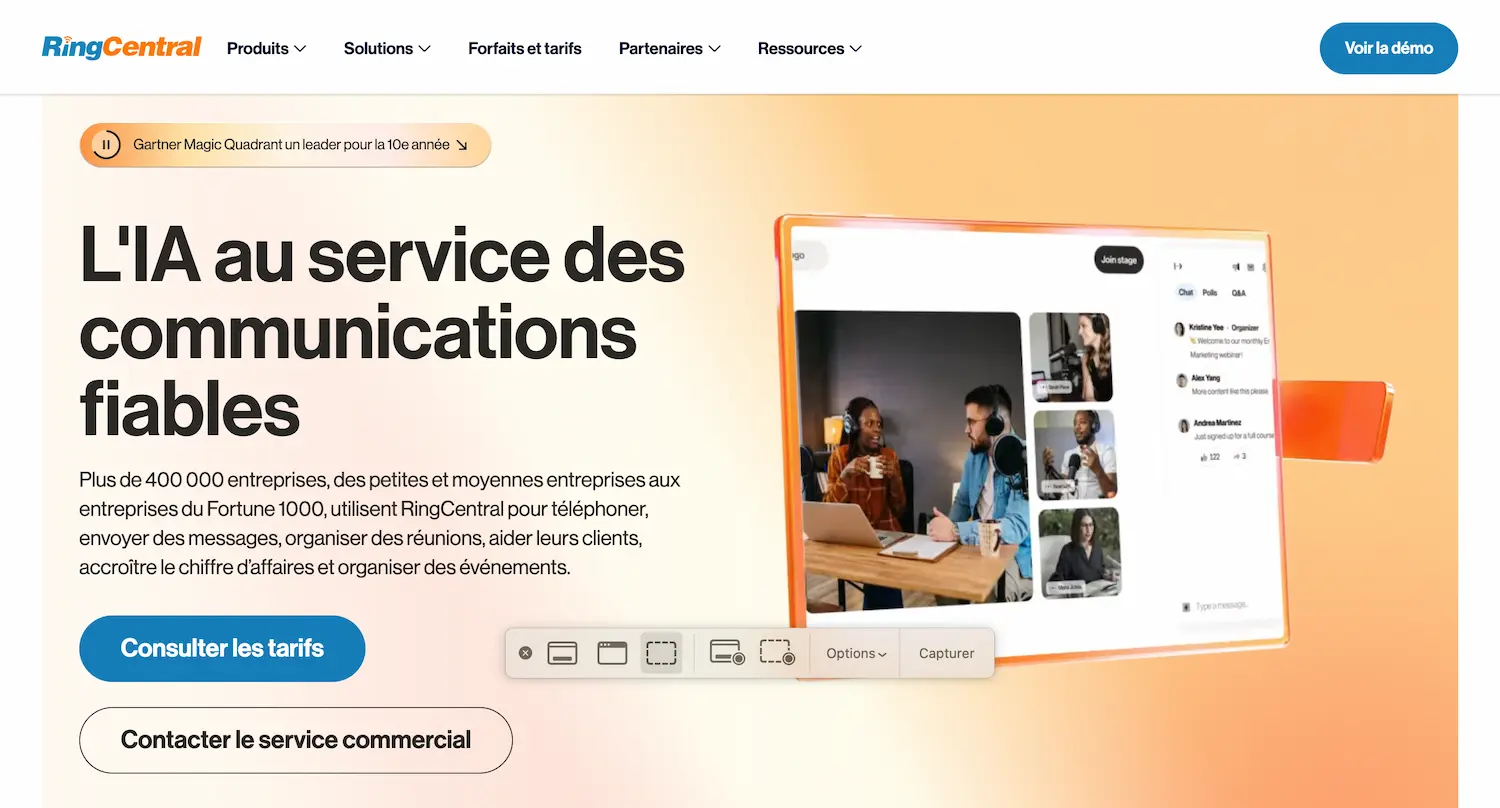
RingCentral offers an AI-powered omnichannel solution for your call center. You can connect your agents with customers across more than 20 digital channels.
The platform integrates web chat, calls, email and messaging, so your agents can provide 24/7 support wherever they are.
Omnichannel routing is a key feature of RingCentral. It directs customer interactions to the most qualified agents, improving the efficiency of your service.
You also benefit from convenient CRM integration. Your agents can make calls in one click without leaving your CRM interface.
RingCentral offers AI-based automation to optimize your operations. You can track your call center's performance in real time.
This cloud solution is designed to adapt to your needs. Whether you're a small business or a large organization, RingCentral grows with you.
8. Zendesk
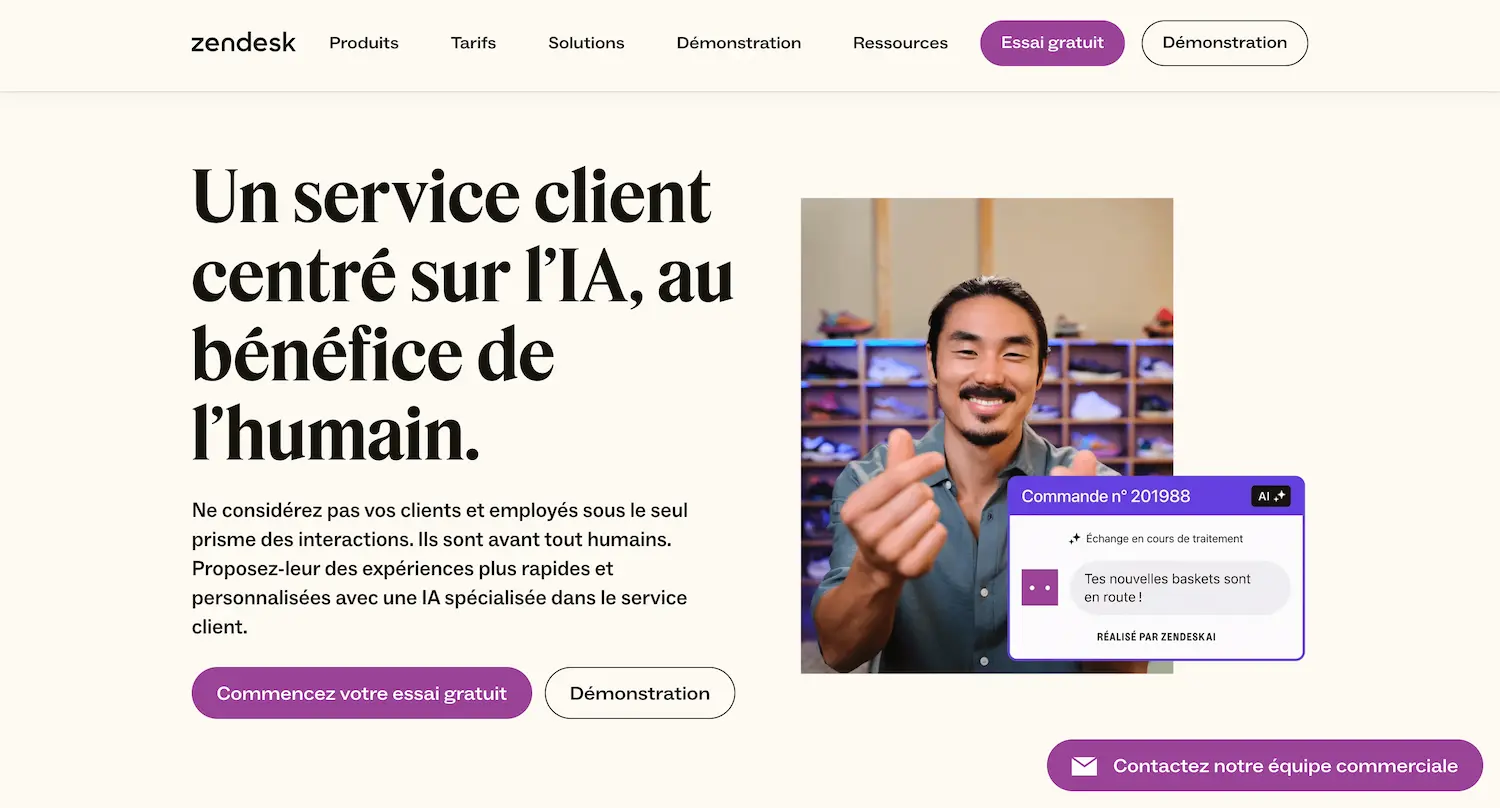
Zendesk is a robust omnichannel platform for call centers. It integrates chat, email, phone and social media to manage your customer interactions efficiently. Zendesk Talk is a built-in virtual call center solution that lets you provide personalized phone support within an omnichannel customer journey.
Here are some key features of Zendesk:
- Ticket management
- VoIP integration
- Callback button for customers on hold
- Customer data analysis
Zendesk adapts as your needs evolve, helping you create seamless experiences and retain customers at scale.
9. Genesys
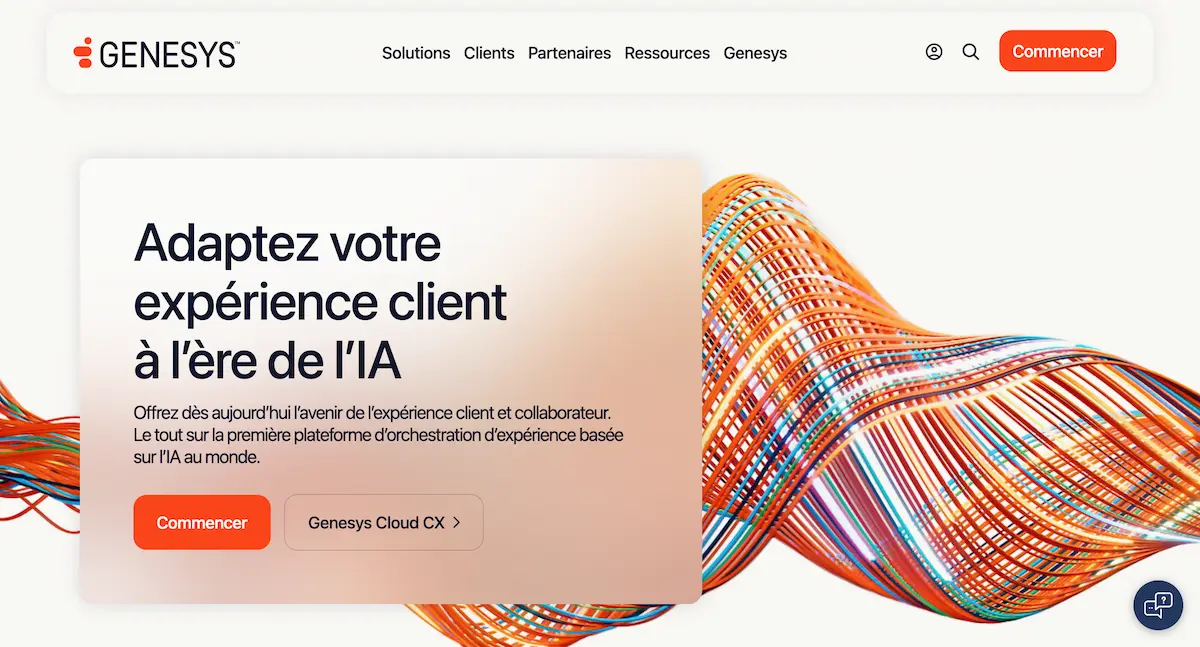
Genesys offers a unified customer engagement platform that transforms your contact center. It gives you powerful tools to run your contact center efficiently and deliver an exceptional customer experience.
This all-in-one solution integrates various communication channels to improve the customer experience. It enables smooth, automated interactions so you can offer customers relevant help at the right time.
Key advantages:
- Enhanced omnichannel capabilities
- Elimination of communication silos
- Personalized interactions
- Effective tracking of customer conversations
Their cloud solution is designed to accelerate innovation. It is quick to deploy and easy to use, helping you fully embrace the digital era. By choosing Genesys, you opt for a comprehensive platform aimed at increasing customer satisfaction.
10. Ringover
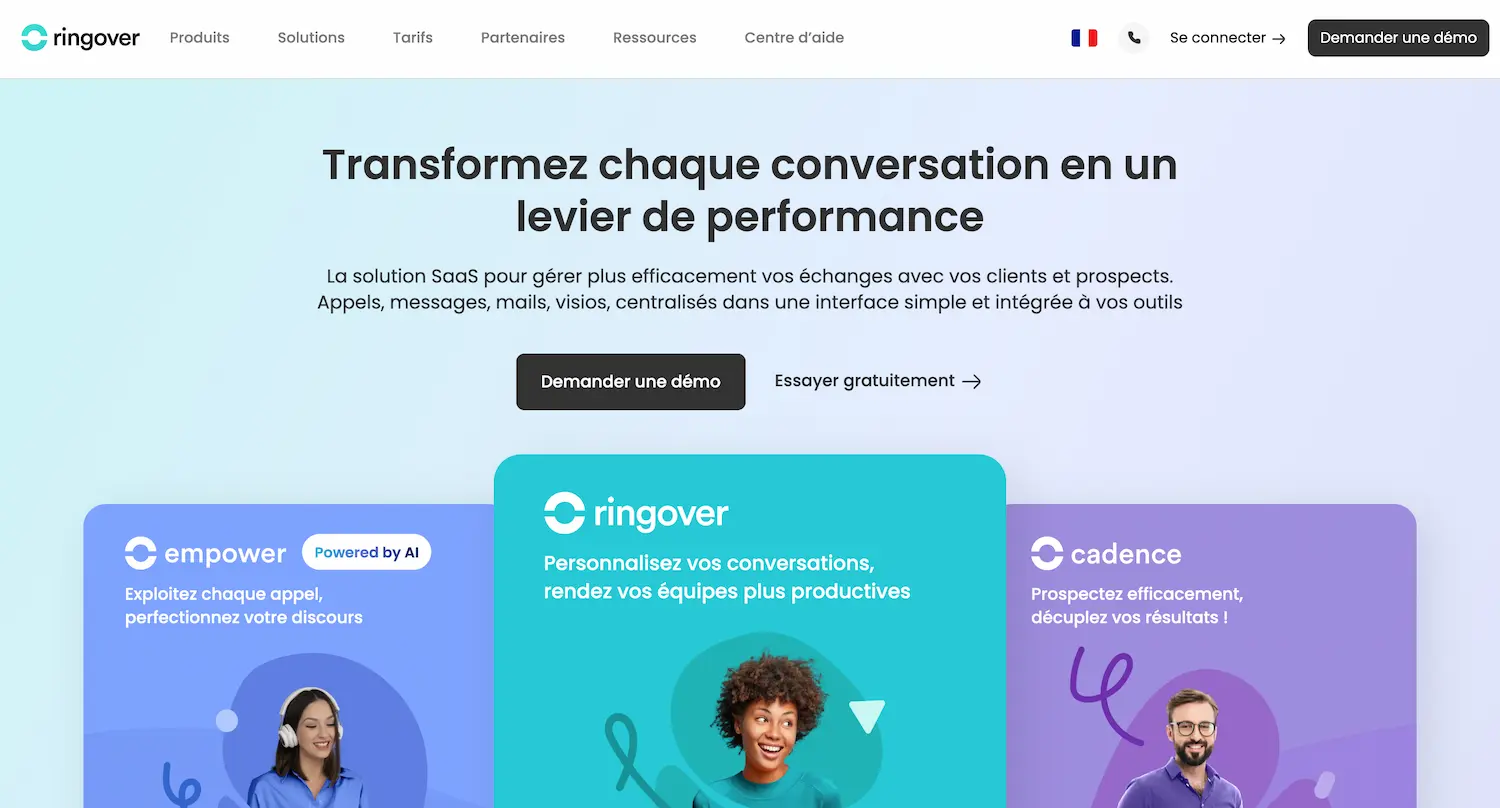
Ringover offers a cloud telephony solution designed for businesses. The platform lets you make calls easily and efficiently. Setting up your phone system is fast, and the solution offers great flexibility to adapt to your specific needs.
Key features:
- High-quality VoIP calls
- Integration with CRM and helpdesk tools
- Landline and mobile numbers in 65 countries
- Outbound call campaigns with Power Dialer
- Video conferencing and instant messaging
Ringover stands out for its ease of use. You don't need to be a technical expert to set up your call center and manage inbound and outbound calls efficiently.
In short, it is a modern, scalable solution that lets your business telephony adapt to your future growth.
11. Aircall
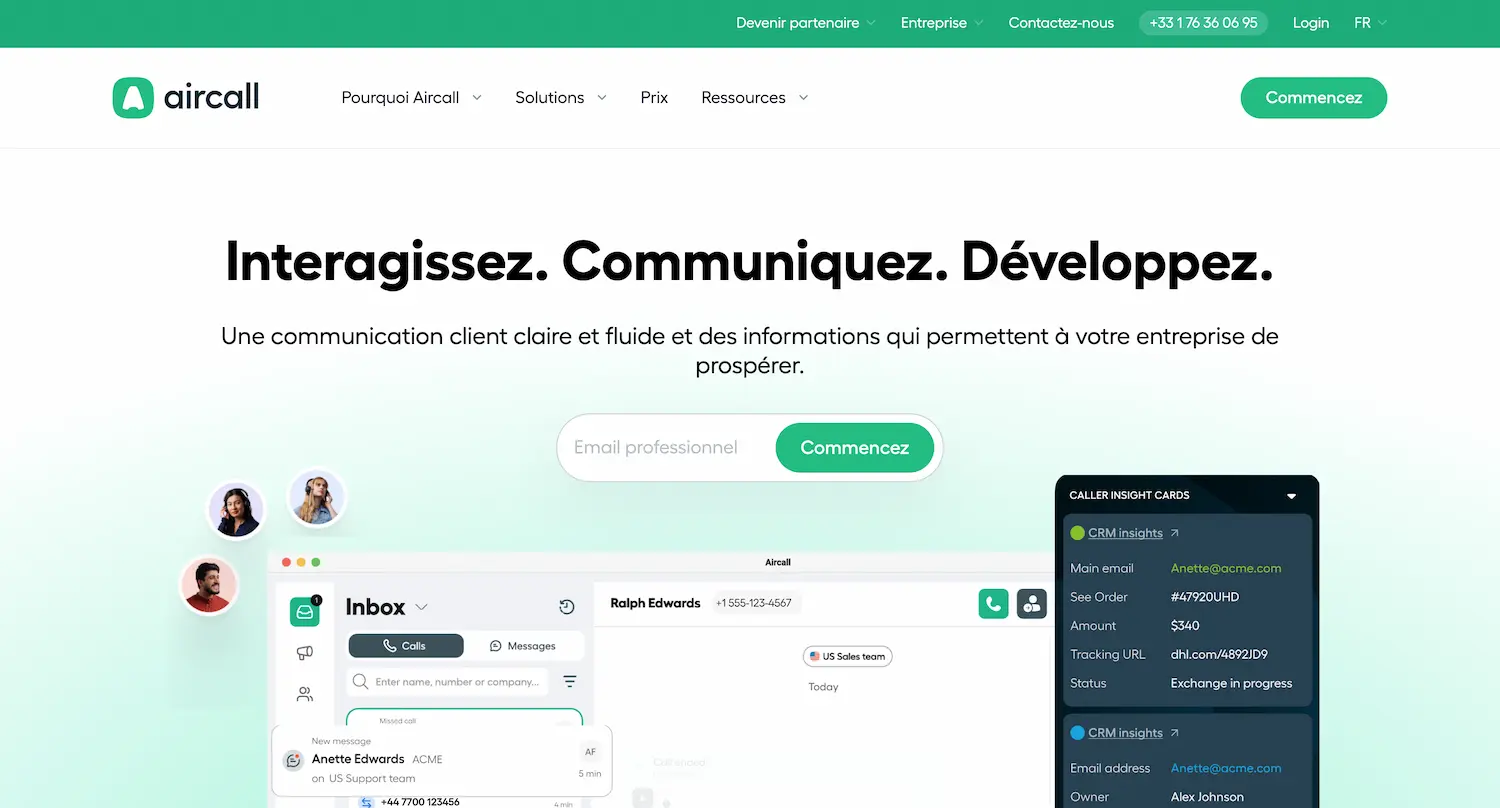
Like Ringover, Aircall is a cloud telephony solution designed for call centers. It offers quick setup and easy integration with your existing software.
You can manage inbound and outbound calls via their web interface or mobile app. This lets you work from anywhere, which is ideal for remote teams.
The platform offers essential features for your call center:
- Call recording
- Customizable call scripts
- Queue management
- Group calls
Aircall stands out for its ease of use. The solution also offers visual voicemail, which lets you manage your voice messages efficiently without having to listen to them one by one.
By choosing Aircall, you opt for a complete VoIP solution. It meets the needs of both sales and customer service teams, improving your customers' satisfaction.
12. Socle Expérience Client
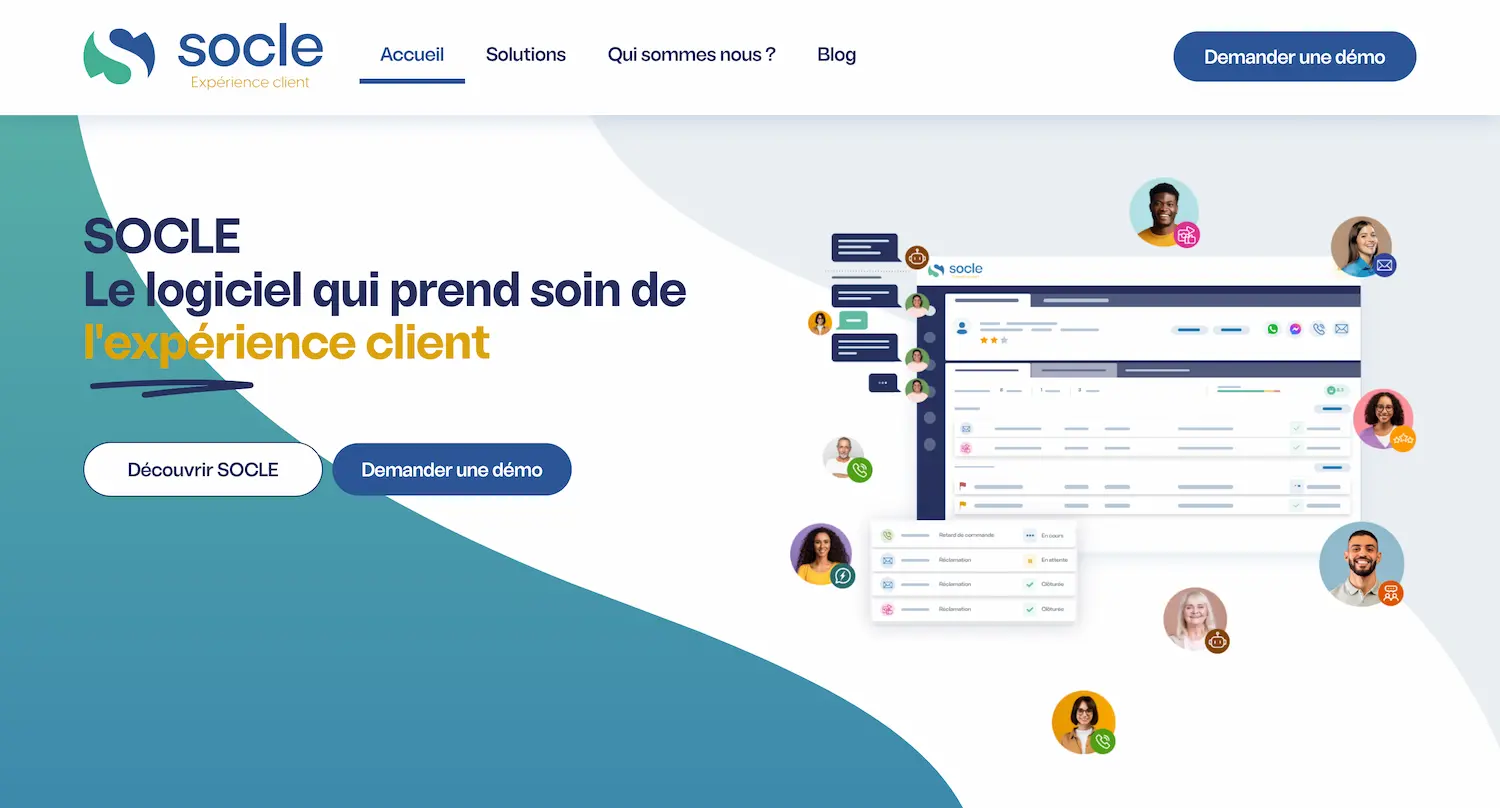
Socle Expérience Client is a solution that brings all your customer relationship channels together on a common foundation. The platform lets you efficiently manage your customer service across different channels.
With Socle, you can integrate:
- Inbound and outbound calls
- Emails
- Chat
- Instant messaging
- SMS
- Video conferencing
- Bots (callbot, chatbot)
Socle's main advantage is its omnichannel approach: you can centralize all customer interactions in a single interface.
Socle integrates easily with your existing IT environment, including your databases, CRM, ERP and business applications. This integration gives you a complete view of your customer relationships.
13. Efficy
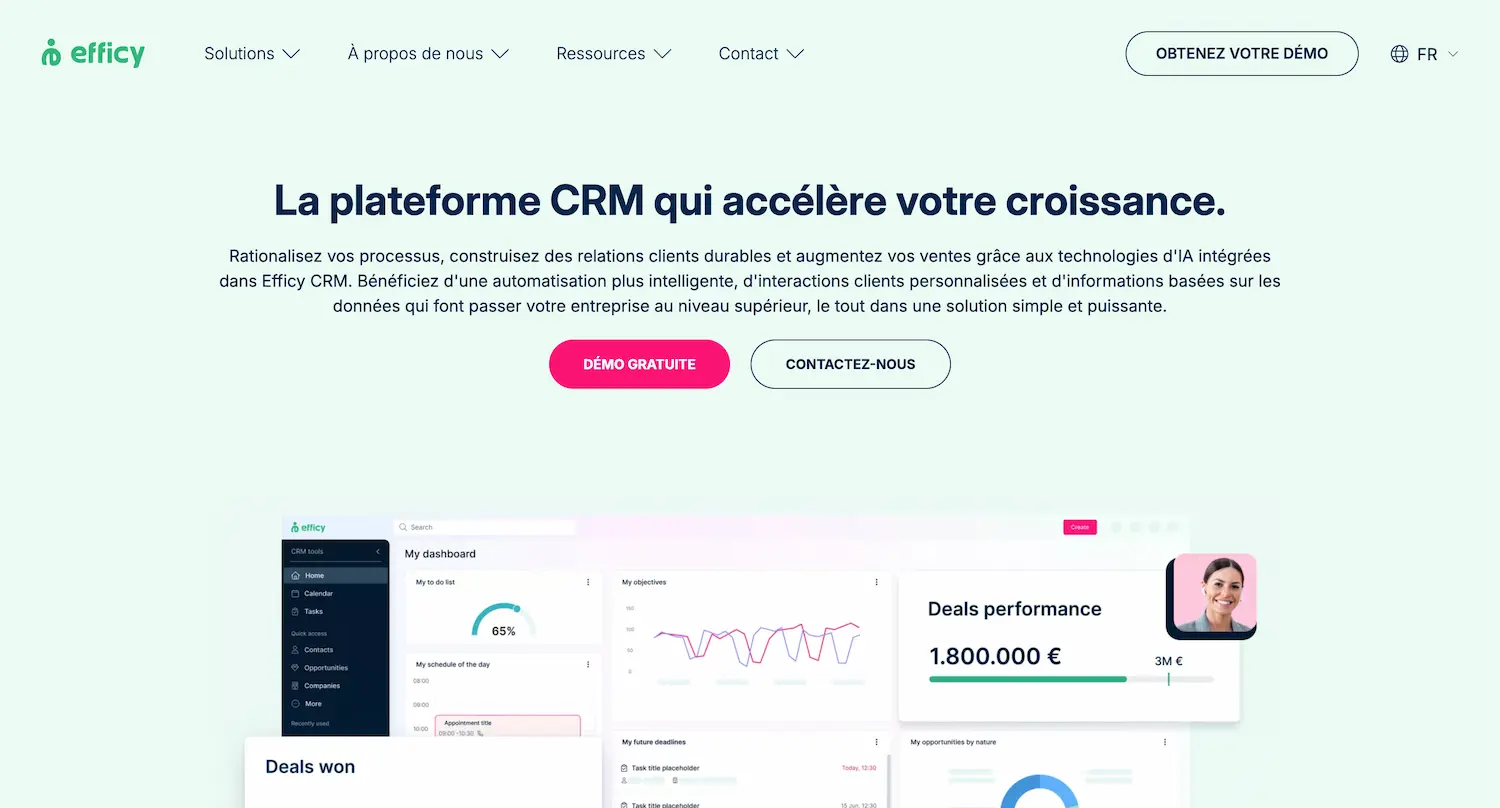
Efficy is a powerful CRM software designed to improve your customer relationship management. It offers features specific to call centers.
With Efficy, you can centralize all your customer data in one place. This makes it easier to track interactions and quickly access important information.
Efficy's call center CRM helps you manage inbound and outbound calls efficiently, so you can track incidents and optimize how customer requests are handled.
Key advantages:
- Multichannel management (phone, email, chat, social media)
- Service commitment tracking
- Knowledge base creation
Efficy focuses on the European market. This can be an advantage if you are looking for a solution suited to local specifics.
14. Hubspot
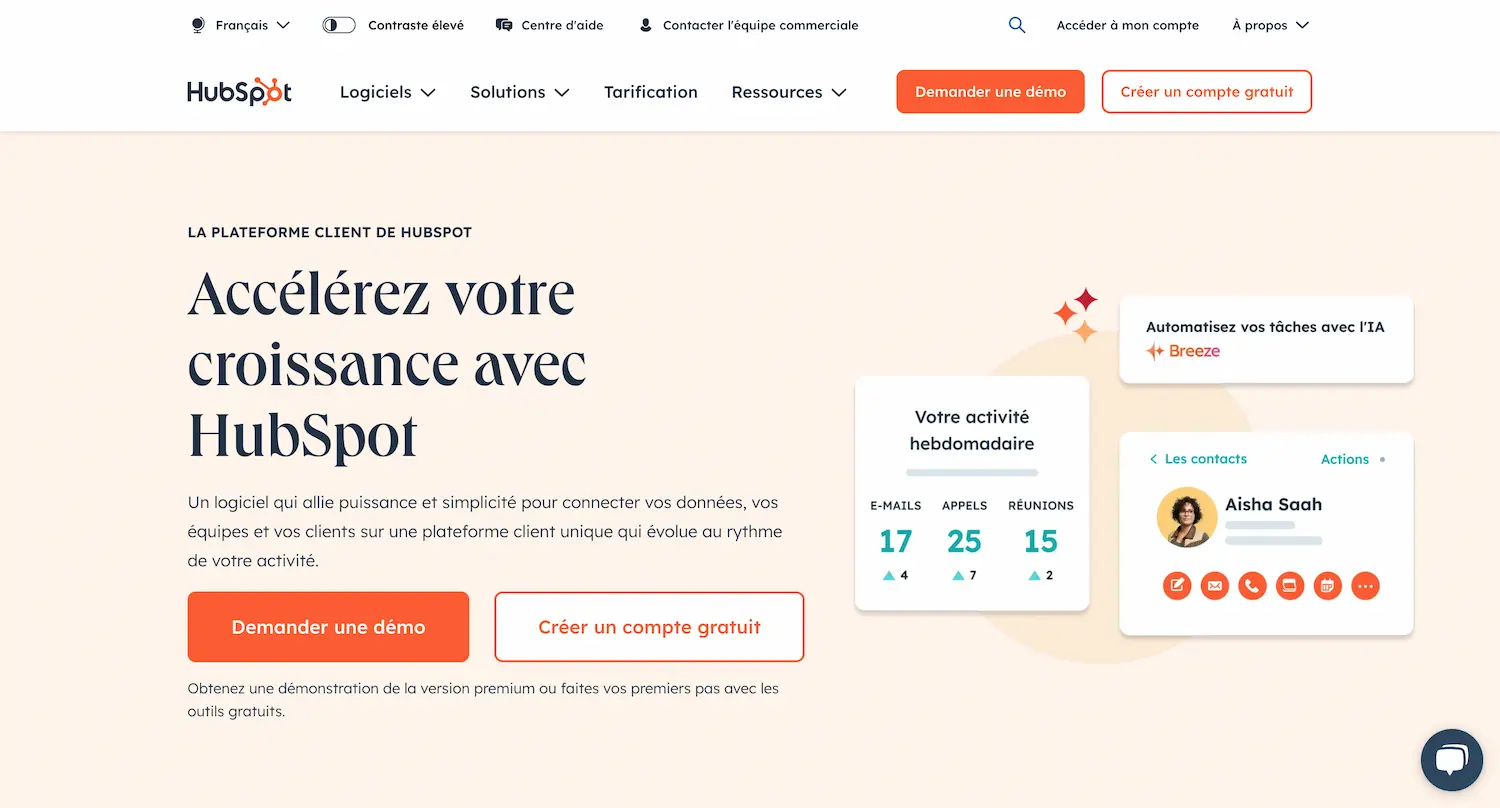
Hubspot offers call center software built into its CRM. This solution lets you manage all your customer interactions efficiently.
With the Hubspot CRM, you can:
- Make VoIP calls directly from the platform (or connect third-party solutions)
- Automatically log your calls in the system
- Access the multichannel customer interaction history in real time
Thanks to its many integrations with other software, you can centralize all your data and get a complete view of your customers.
15. Dialonce
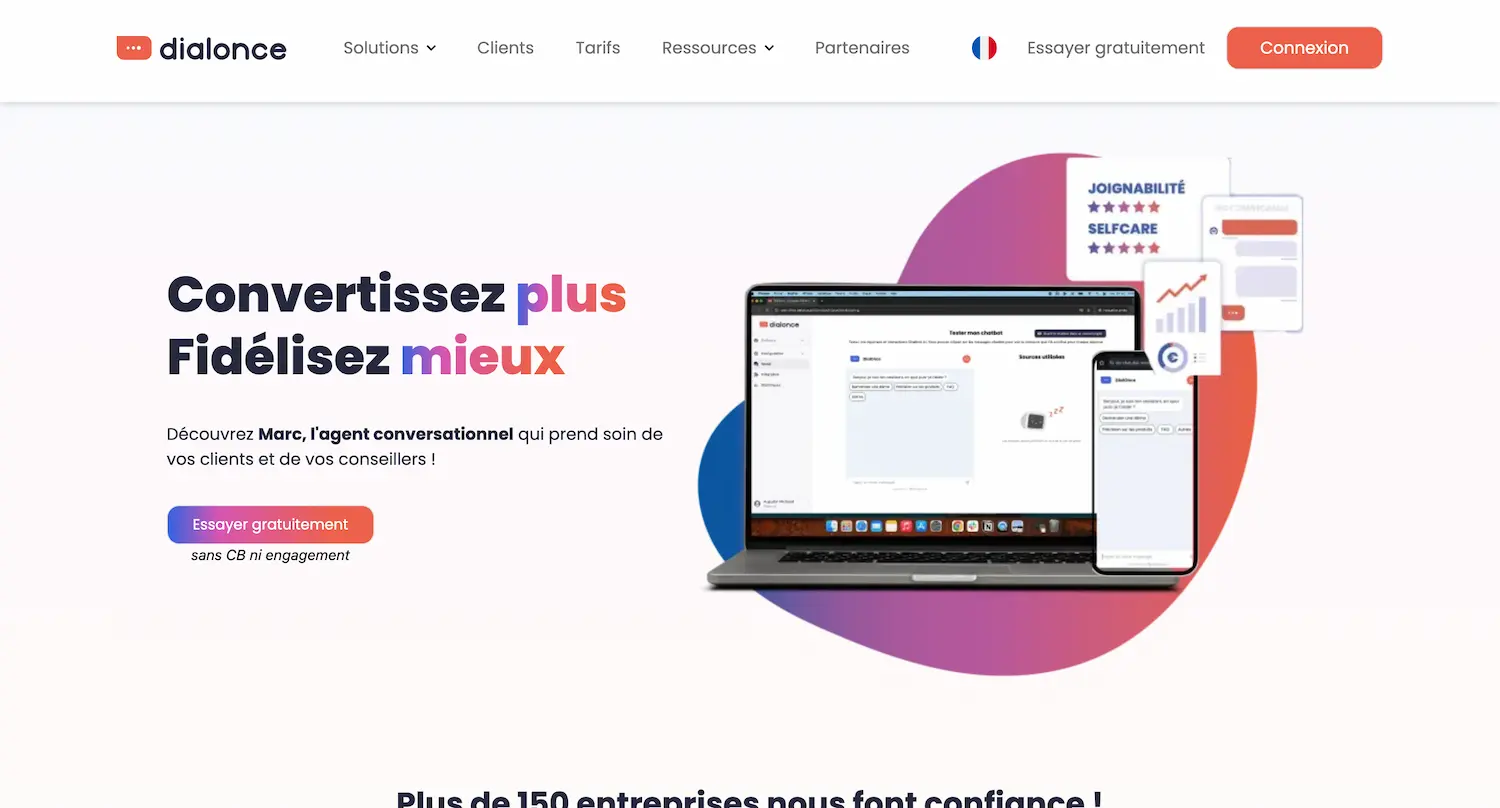
Dialonce offers an innovative solution to improve your customer service. Its AI-powered conversational agent lets you optimize your interactions with customers. The Dialonce system includes an advanced IVR (interactive voice response) that lets you manage inbound calls efficiently.
Here are the main advantages of the Dialonce IVR:
- Personalized customer greeting
- Fast routing to the right department
- Shorter wait times
Thanks to artificial intelligence, Dialonce's conversational agent can go further, with its ability to understand complex requests, provide accurate answers and adapt to the context of each conversation.
16. Reecall
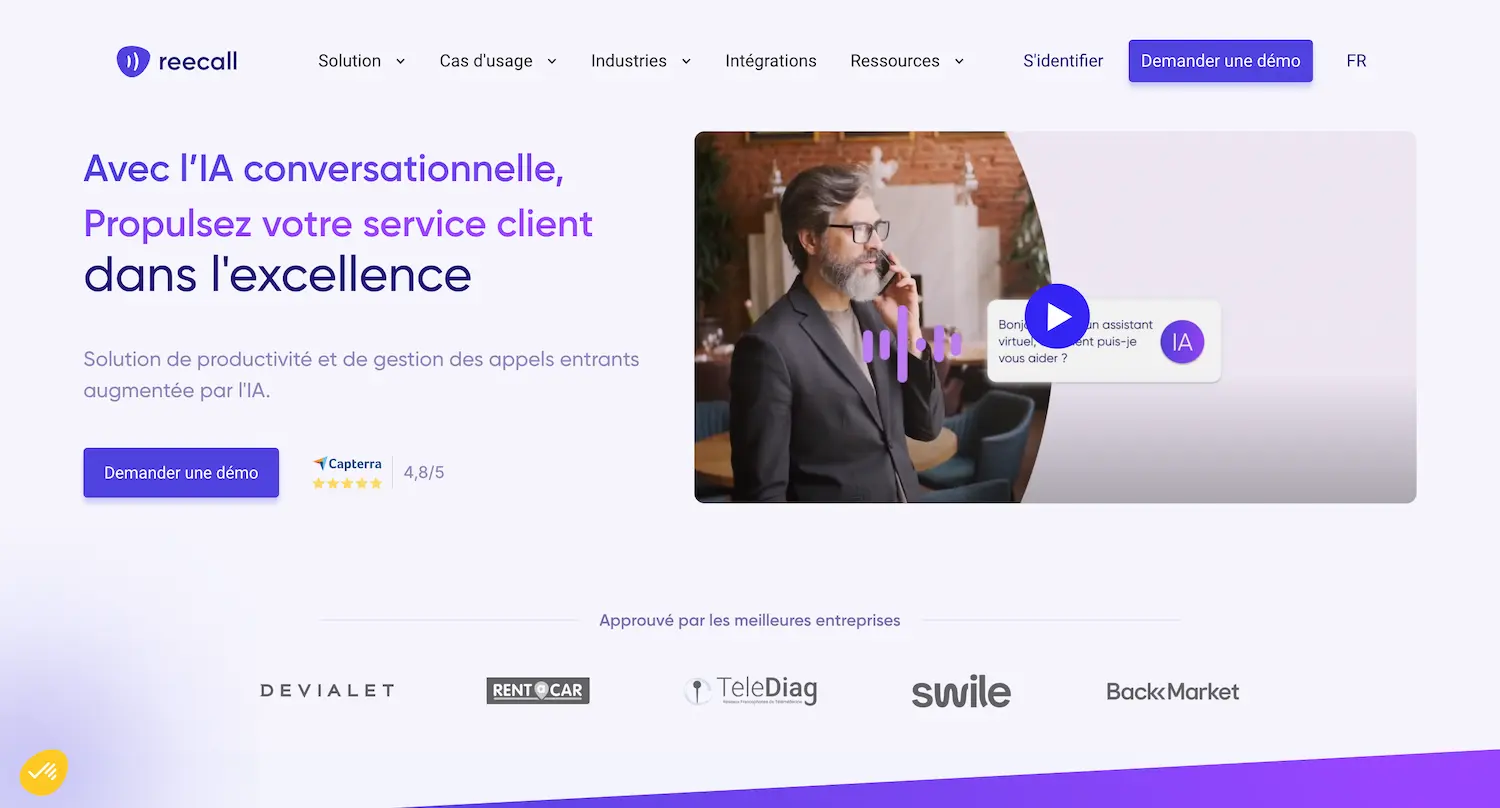
Reecall offers a solution combining an intelligent conversational agent with an advanced interactive voice response (IVR) system. Reecall's virtual agent can handle a large volume of calls simultaneously. It pre-qualifies requests and routes them to the right department.
For sales teams, Reecall automates repetitive tasks, including handling quotes and partnership requests, so your staff can focus on high-value interactions.
The main advantages of Reecall:
- Automated 24/7 customer greeting
- Fast identification of the call reason
- Natural language processing for smooth conversations
17. Dydu
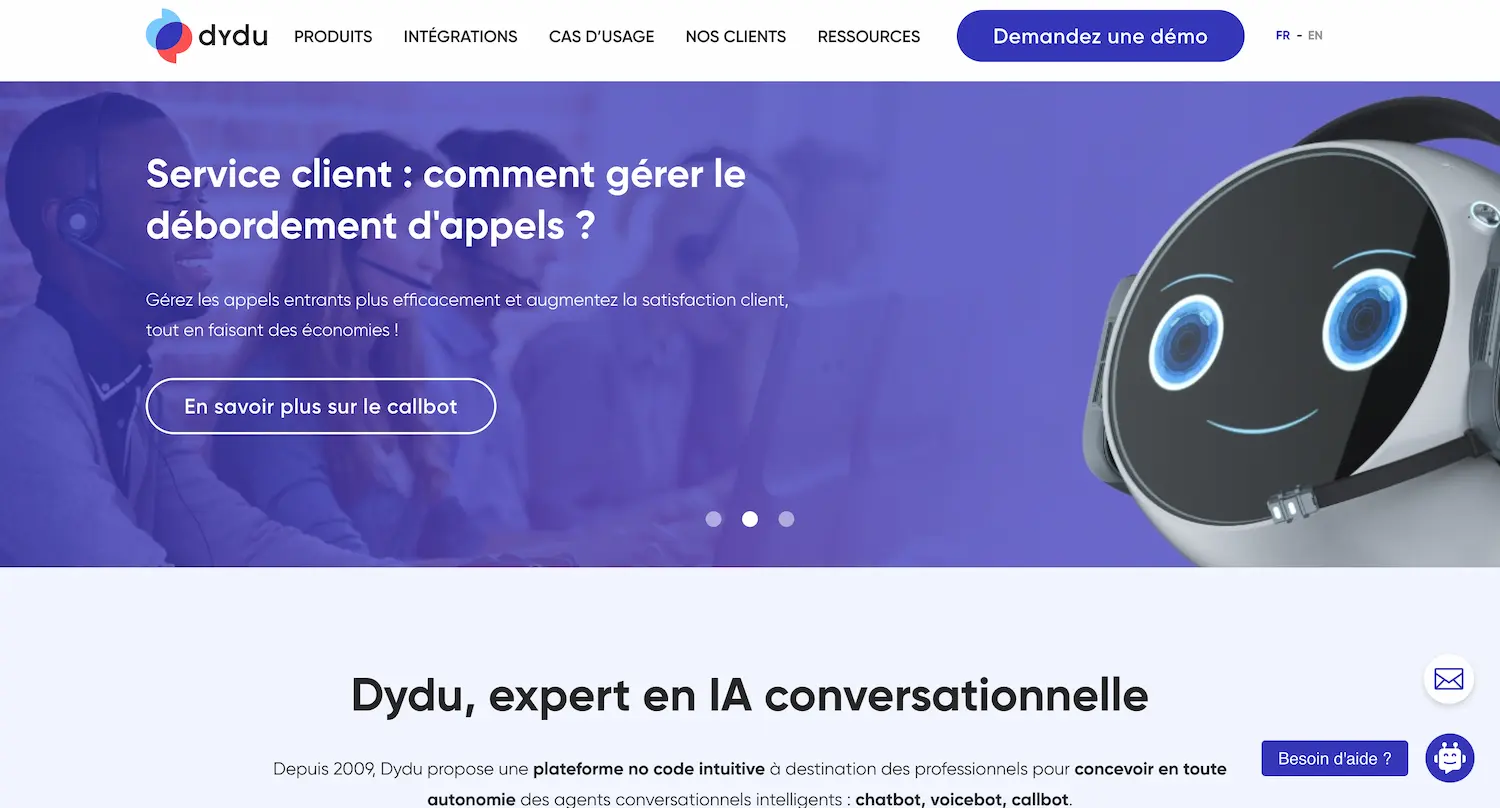
Dydu is a platform specializing in intelligent conversational agents such as chatbots, voicebots and callbots.
These tools use artificial intelligence to improve the customer experience by answering simple questions and routing calls to the right department.
The main advantages of Dydu:
- Intuitive no-code platform
- Build conversational agents on your own
- Solutions customizable to your needs
You can use Dydu to:
- Automate answers to frequently asked questions
- Reduce wait times
- Improve customer satisfaction
By choosing Dydu, you opt for a solution that combines the advantages of IVR and conversational agents to optimize your call center.
18. Tolk.ai
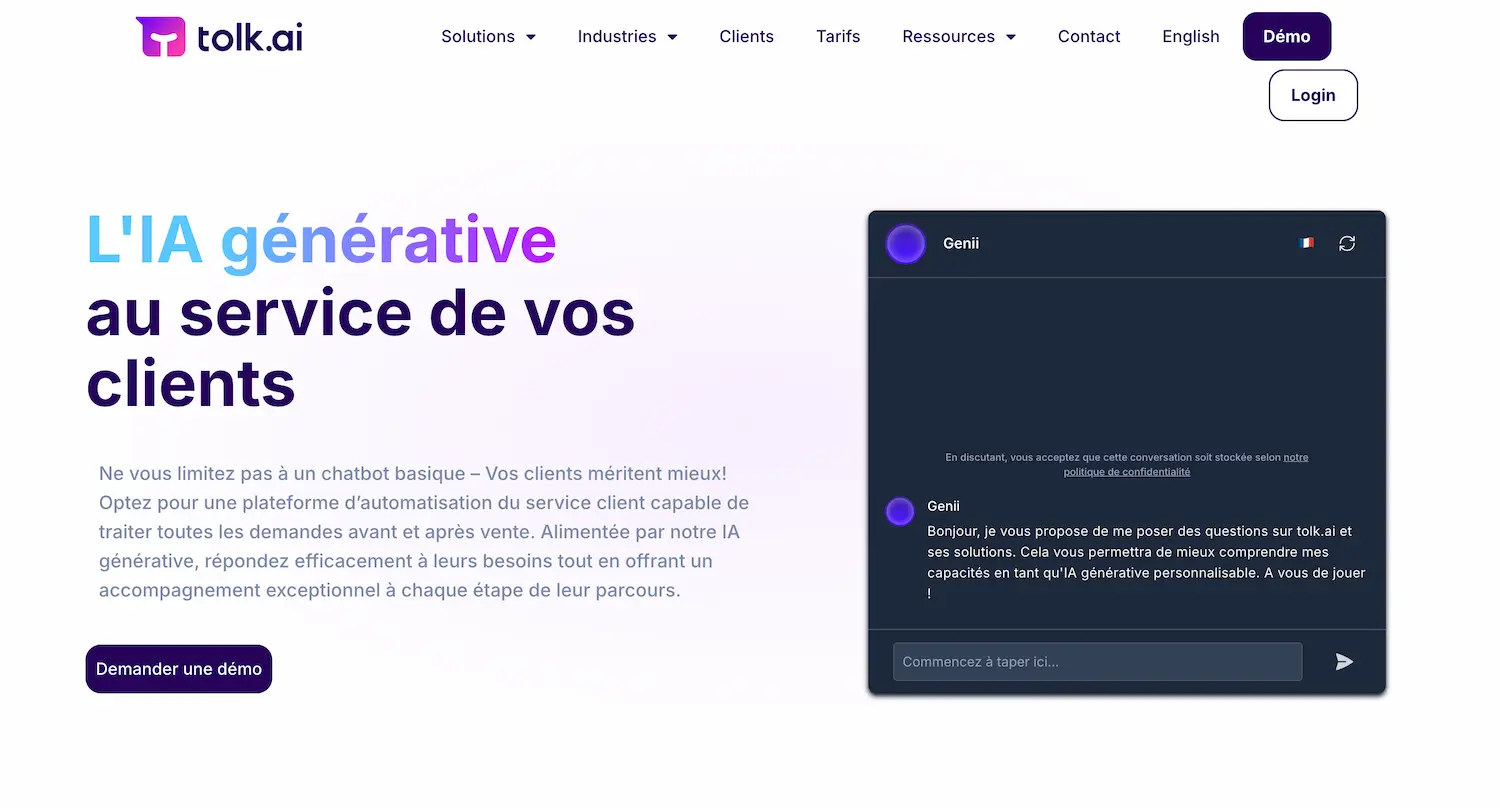
Tolk.ai offers a chatbot solution to improve your customer service. The software uses artificial intelligence to provide personalized answers to your customers.
Its main advantages:
- 24/7 availability
- Instant answers
- Personalized interactions
Thanks to machine learning, the Tolk.ai chatbot continuously improves. It learns from every conversation to better answer future requests.
You can combine the chatbot with a live chat solution, allowing you to offer complete, efficient customer service.
Tolk.ai integrates easily with your existing tools. You can use it on your website, social media or mobile app.
The Tolk.ai dashboard gives you access to detailed analytics. You can track your chatbot's performance and identify areas for improvement.
19. Timesquare by Holy-Dis
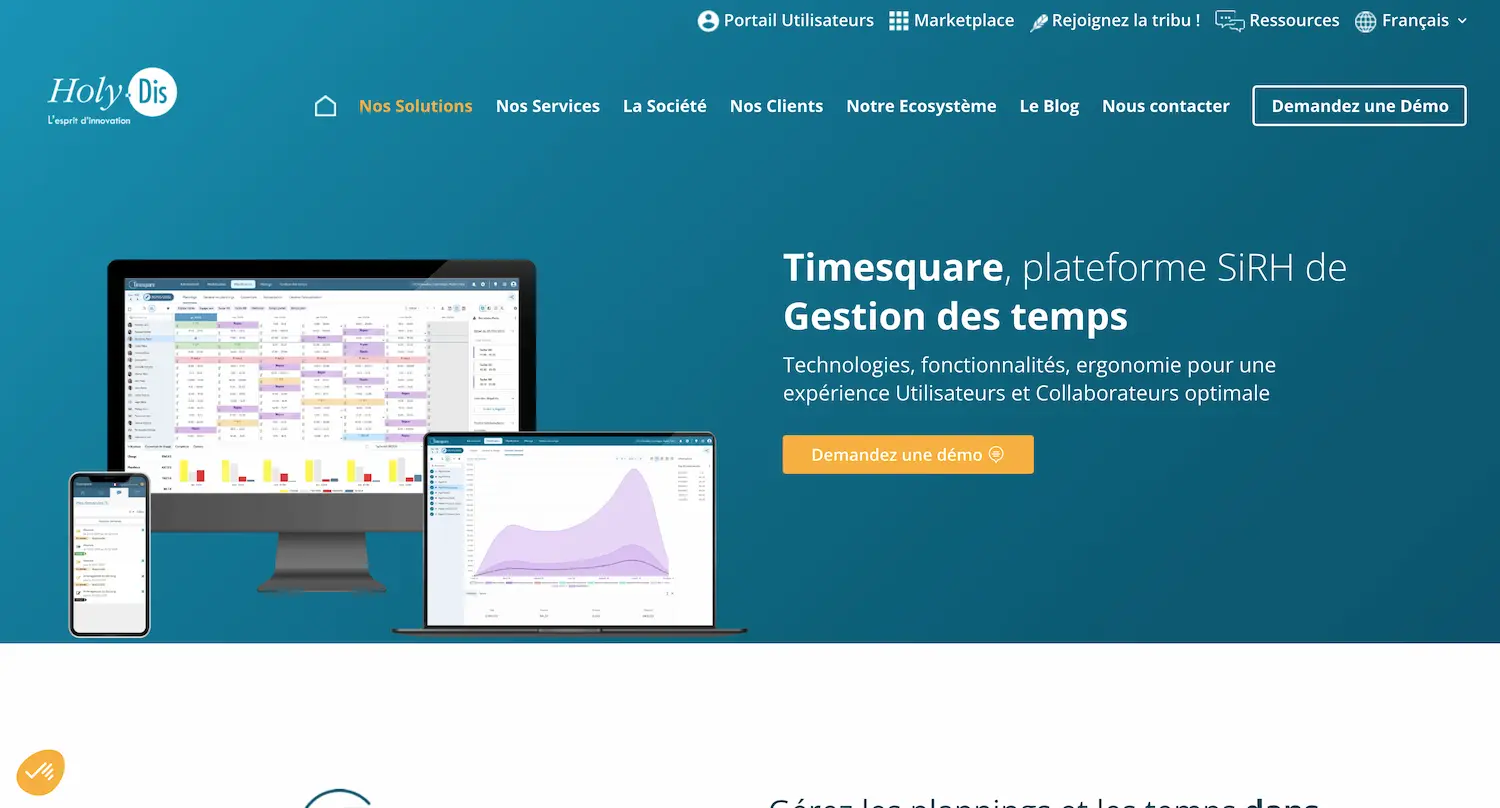
Timesquare is an intelligent solution for optimizing your scheduling processes. The software helps you efficiently manage your employees' schedules and working hours while taking your specific constraints into account.
Here are the main advantages of Timesquare:
- Automated schedule calculation by period
- Compliance with legal rules and internal constraints
- Accurate tracking of your employees' time balances
- Collaborative environment for better communication
Timesquare adapts to different industries. For example, it can calculate workload based on customer footfall in retail.
You can also use Timesquare to:
- Model your activities
- Forecast your staffing needs
- Optimize scheduling under constraints
The platform is available as SaaS or on-premise, depending on your preference, giving you flexibility in how you deploy and use the software.
20. Apizee
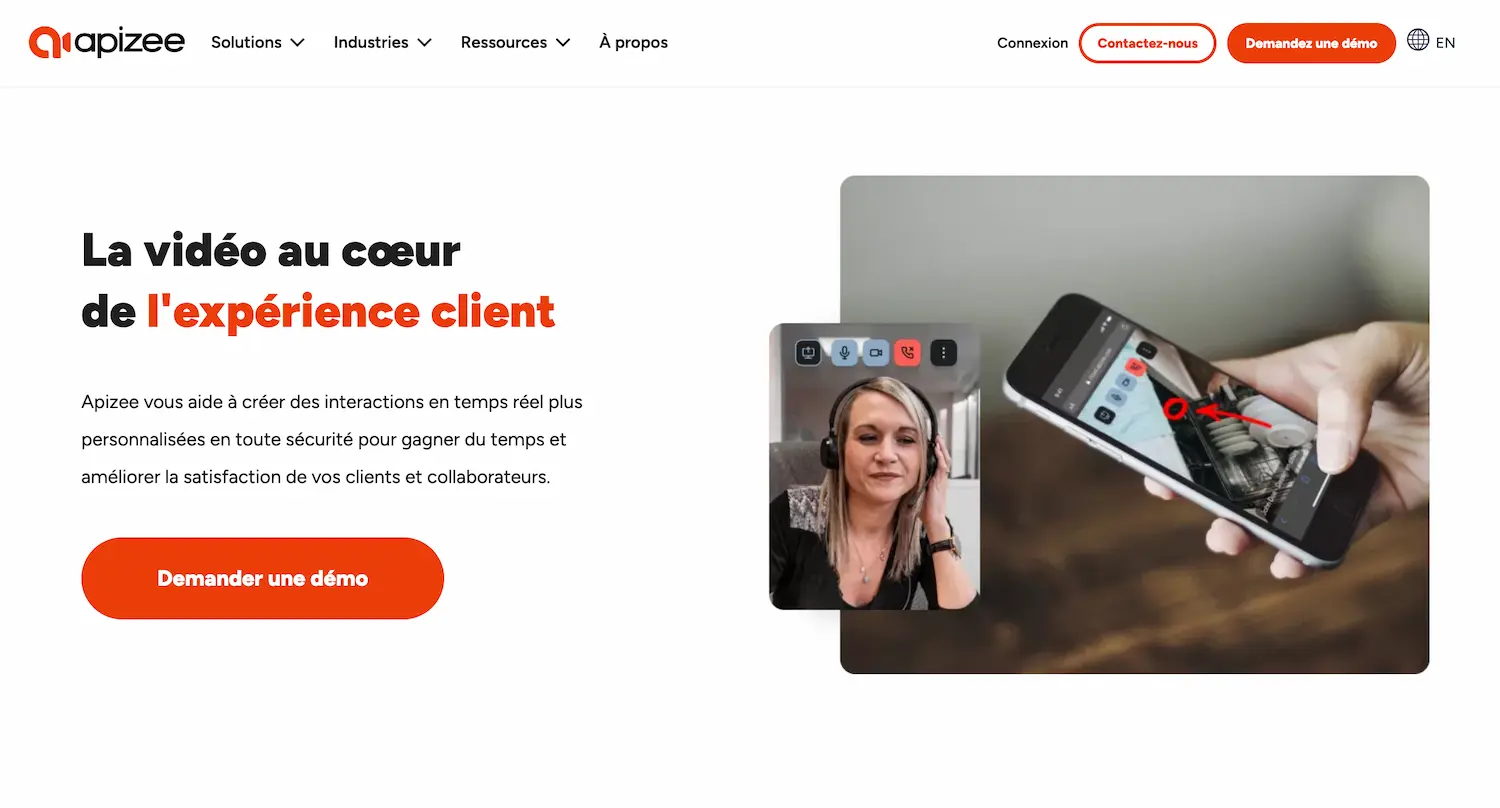
Apizee offers an innovative video assistance solution for call centers. This technology improves customer service by offering a more personalized, interactive experience. It adapts to various industries, from technical support to remote claims assessment.
The software lets you easily integrate video conferencing into your existing platform so you can communicate face to face with your customers, wherever they are. Screen sharing is a key feature of this solution: with it, you can guide customers step by step to solve their problems quickly and effectively.
Here are some advantages of Apizee video assistance:
- Faster resolution of customer problems
- Higher customer satisfaction
- Fewer unnecessary site visits
- Better understanding of customer needs
21. Voxpay
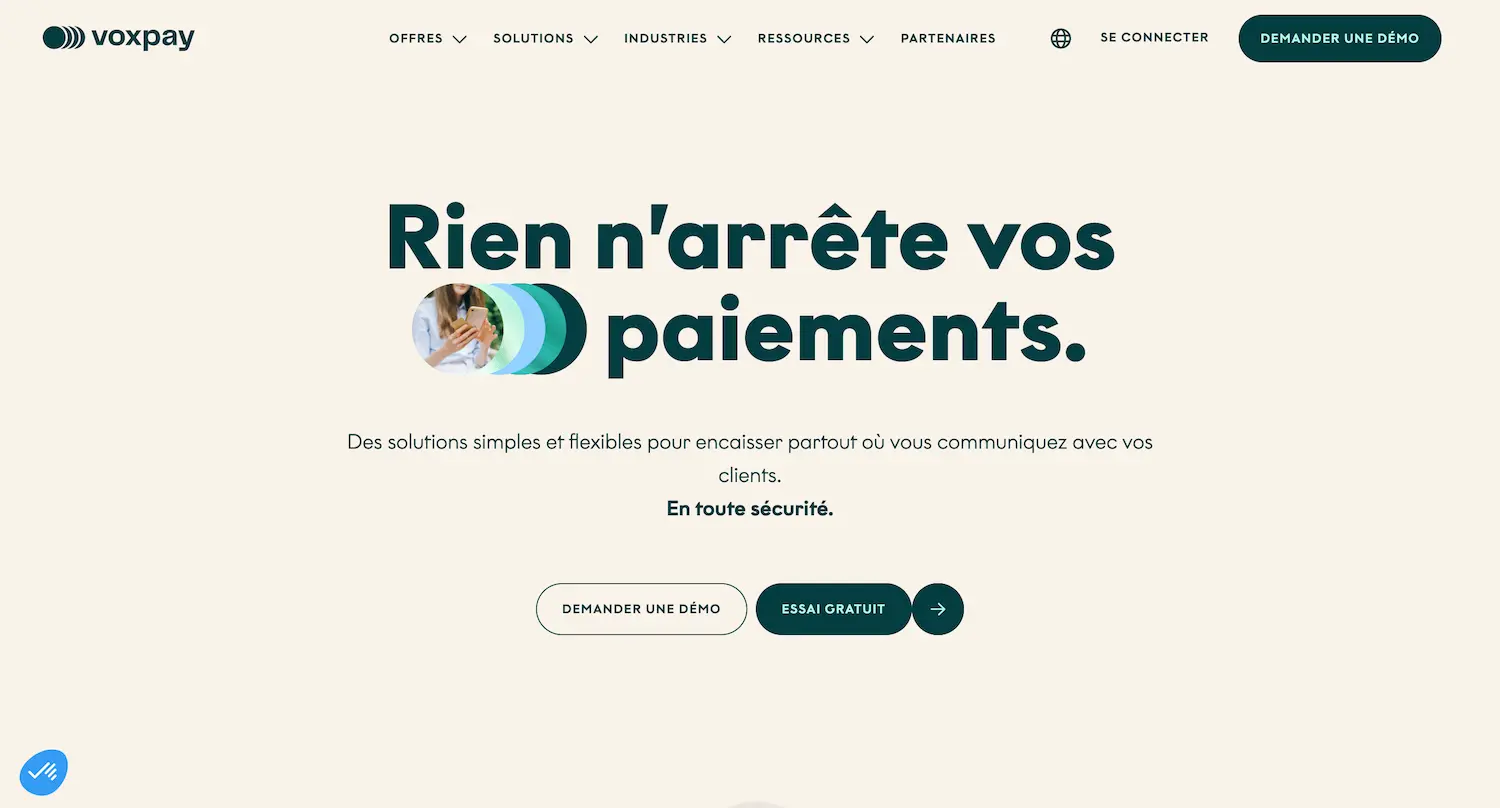
Voxpay is a call center solution that lets you accept customer payments securely by phone, SMS and email.
Your agents can easily close sales by letting customers pay directly during the call, for example, without interrupting the conversation. Since security is paramount, Voxpay uses a system that masks bank details, which means your agents never see customers' sensitive information. You can also send payment links by SMS or email.
Here are the advantages of Voxpay:
- PCI-DSS certified secure payments
- Increased sales
- Lower collection costs
- Improved customer experience
22. Mayday
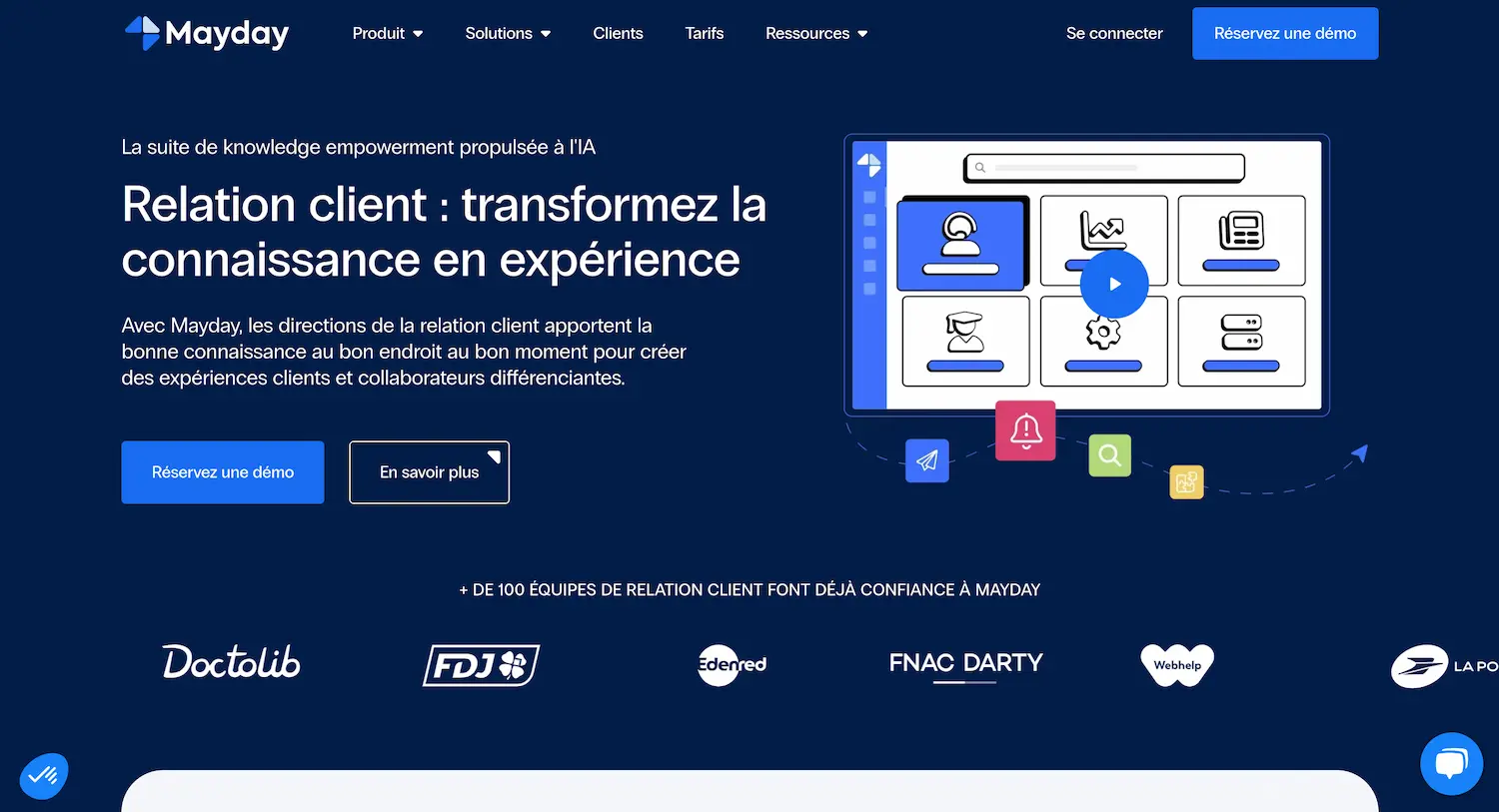
Mayday offers a knowledge base solution that centralizes all your important information in one place.
It lets you easily organize and update your knowledge base thanks to an interface that is simple to use, even for non-experts.
The Mayday knowledge base is omnichannel, which means your agents can access it from different communication channels.
You can also automatically import your existing content into Mayday, including documents from Drive, SharePoint, wikis and intranets.
Thanks to artificial intelligence, Mayday helps your agents quickly find the right information. This reduces the time spent searching for answers and makes customer service more efficient.
Summary of key advantages:
- Fast, accurate search
- Real-time updates
- Integration with your existing tools
- Intelligent distribution of information
23. Smart Tribune
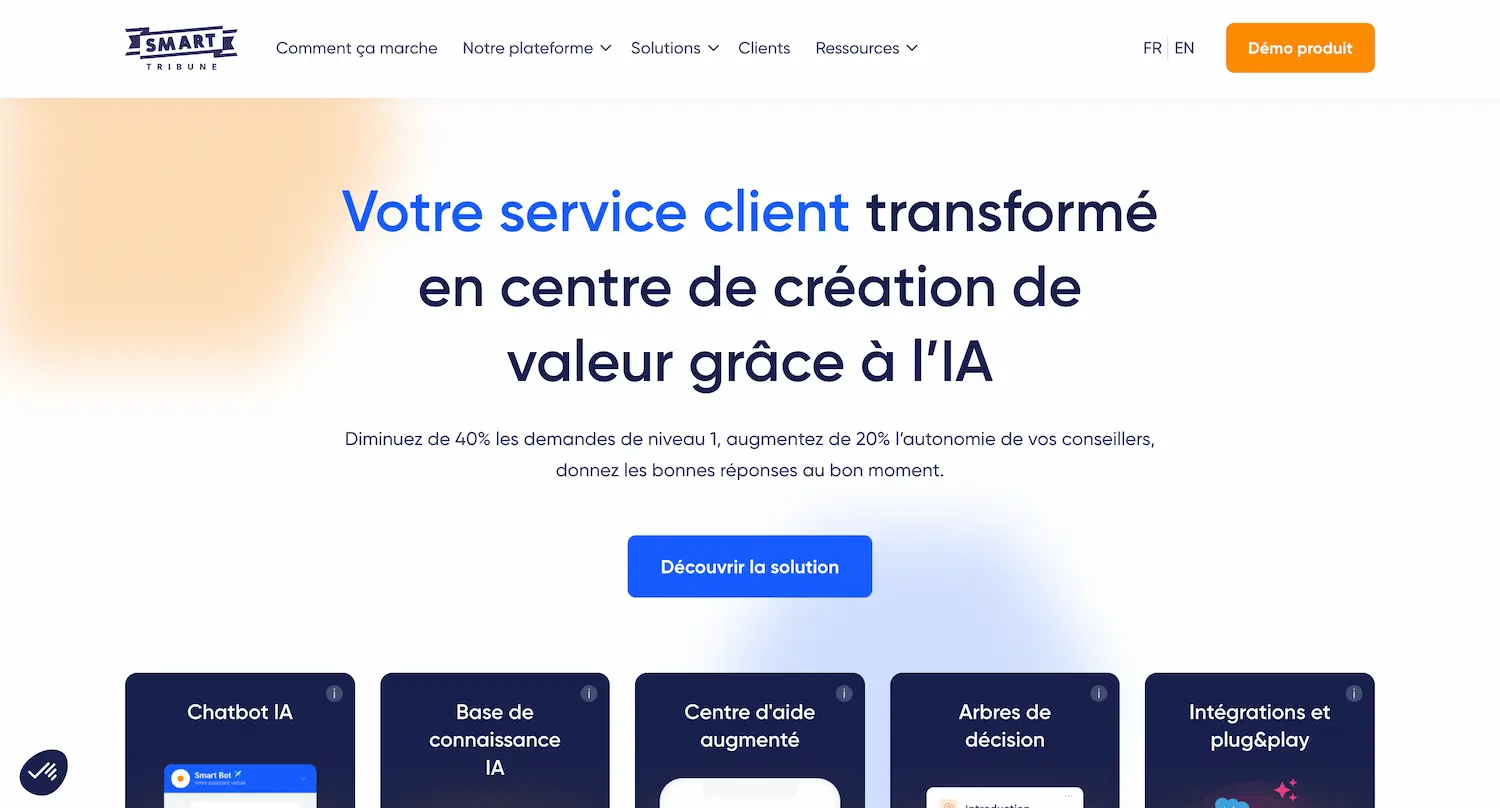
Smart Tribune offers AI chatbot and knowledge base solutions to improve your customer service. You can easily integrate these tools with your existing systems.
The platform offers a help center with an AI answer engine, so your customers can quickly find answers to their questions at any stage of their journey.
You can guide your customers and agents step by step with diagnostics, interactive guides and mini-quizzes. These features make the user experience smoother and more effective.
The Smart Tribune AI chatbot assesses the emotional context of each interaction. It provides answers suited to the user's state of mind while staying true to your brand identity.
This solution lets you refocus your customer service on high-value requests, so your agents can concentrate on more complex tasks that make the most of their expertise.
Buying guide: choosing your call center software
Why and how should you connect your call center software?
Connecting your software is essential to optimizing a call center's performance, whatever its level of digitalization.
For call centers that have not yet fully tapped the potential of digitalization, it is important to realize that some working methods, such as manually exporting call data to a CRM via Excel files, are no longer optimal.
Today, software makes integration between different tools simple, such as telephony solutions and CRMs. This interconnection automates data transfer, eliminating time-consuming tasks and reducing the risk of errors.
Interconnection also lets you get a 360-degree view of the customer relationship by centralizing all information. Agents have access to the full interaction history, whatever channel is used (phone, email, chat, etc.). This unified view makes it possible to offer personalized, consistent service, improving customer satisfaction.
For more mature call centers, interconnection opens the way to advanced features such as intelligent call routing, IVR integration to personalize the customer journey, or automation of post-call follow-up tasks. These options optimize call center efficiency and streamline the customer journey.
There are different ways to connect software together. Many vendors offer pre-built integrations that allow quick, effortless connection between their tools and the most popular third-party software. For more specific needs, custom connectors can be developed via APIs. Finally, some low-code or no-code platforms offer visual interfaces to build automated workflows between different applications, without requiring advanced technical skills.
How do you choose the right software for your call center?
Choosing call center software is a crucial decision that can significantly affect your team's performance and your customers' satisfaction. To select the best tools, start by assessing your specific needs:
- Call volume
- Types of service (support, sales, etc.)
- Current team size and future growth
- Communication channels (phone, email, chat, social media, etc.)
- Integration with existing systems (CRM, ERP, etc.)
Choose software compatible with your existing infrastructure. Smooth integration with the systems already in place is essential to avoid data silos and technical difficulties. Also favor solutions with an intuitive interface to make adoption easier for your agents.
Don't hesitate to ask vendors for demos or trial periods to test the software in real conditions before committing. Also assess the quality of the customer support offered, as it can make a big difference when problems arise.
Frequently asked questions about call center software
What are the essential features to look for in call center software?
The essential features of call center software depend largely on each company's specific needs. However, certain key elements are generally indispensable to ensure efficient, quality service, whatever the type of call center:
- Automatic call distribution (ACD): This feature efficiently routes calls to the most qualified agents, reducing customer wait times and improving their satisfaction.
- Reporting and analytics: To track performance and make informed decisions, reporting and analytics tools are crucial. They help identify strengths and areas for improvement, optimize resources and measure the impact of the actions taken.
- Integration with telephony systems (CTI): Whether your call center mainly handles inbound or outbound calls, integration with telephony systems is essential to make agents' work easier and improve their productivity.
- Integration with your existing CRM: To deliver personalized, efficient service, agents need a complete view of each customer's interaction history. CRM integration is therefore essential.
- Multichannel communication: Offering a range of communication channels has become a must to meet customer expectations and stay competitive.
While these features are considered essential, each call center's specific needs can vary. Before choosing software, it is therefore crucial to assess your particular requirements so you select the solution that best meets them.
How does software ensure the security and confidentiality of customer data?
With cyber threats becoming increasingly sophisticated and data protection regulations increasingly strict, the security and confidentiality of customer information have become critical issues for call centers. Modern software must therefore include robust security measures to protect sensitive data.
First and foremost, call center software must be compliant with applicable regulations, such as GDPR in Europe or the CCPA in California. It uses various techniques, such as encryption to secure data storage and transmission, two-factor authentication to strengthen account security, and role-based access controls to limit the information each user can see.
Regular audits, activity logs, frequent backups and disaster recovery plans are also essential to detect anomalies and guarantee data availability and integrity. Some software even offers options for masking sensitive data during calls.
Training agents in security best practices and incident procedures is just as important. Data security and confidentiality require constant vigilance and regular updates to software and processes, in close collaboration with solution vendors.
Should you choose cloud (SaaS) or on-premise (hosted on your own servers) software?
Choosing between cloud (SaaS) and on-premise solutions for call center software is crucial, because it has a significant impact on costs, flexibility and data security.
Cloud solutions offer great flexibility and greater scalability. They are easy to set up and update, and accessible from anywhere, which makes remote work and collaboration easier. Upfront costs are generally lower, but monthly fees can add up over the long term.
On the other hand, on-premise solutions give you full control over your data and infrastructure. They may be preferable for companies with strict compliance requirements and give complete control over data security, which can be crucial in some highly regulated industries such as finance or healthcare. However, they require a dedicated IT team and significant hardware investment.
There are also hybrid solutions that combine elements of cloud and on-premise. For some companies, they can offer the best of both worlds, keeping certain sensitive data on-site while benefiting from the flexibility of the cloud for other aspects.
Ultimately, there is no one-size-fits-all answer. The choice between cloud, on-premise or a hybrid solution depends on each call center's specific needs, resources and priorities. Small and medium-sized businesses often benefit from opting for the cloud, while large organizations with substantial IT resources and strict compliance requirements may prefer on-premise.
What is the average cost of a complete contact center software stack?
Estimating the cost of a contact center software stack is crucial for budget planning. Costs vary depending on company size, the number of agents and the features required. Here are some estimates based on market trends:
- Cloud solution: €24 to €190 per agent/month (average of €50 to €75 for an SMB)
- On-premise solution: €954 to €4,768 per seat, plus maintenance fees
- Unified communications systems: €50 to €300 per user/month (SMBs), €200 to €500 per user/month (large enterprises)
Other costs to consider:
- Training, integration and customization
- Installation: €1,500 to €25,000
- Configuration and follow-up: €2,500 to €45,000
For an average contact center (50-100 agents):
- First year (including installation and configuration): €95,290 to €238,226
- Following years (software licenses): €57,177 to €143,120 per year
To assess return on investment, calculate the impact of the new software on key metrics such as first call resolution, average handling time or customer satisfaction. Greater efficiency and better customer satisfaction can quickly offset the initial costs. In addition, some vendors offer volume discounts for large numbers of agents, so it is always worth comparing several quotes and negotiating.
Should you plan software training for agents?
Agent training is essential for successful adoption of call center software, as it improves productivity and the quality of customer service. It is important to plan thorough initial training, adapted to the complexity of the software, delivered by qualified trainers. Regular refresher sessions, based on skills assessments, keep knowledge up to date.
Training should be varied, combining in-person sessions, videos, practical guides and gamified elements to encourage engagement. It should also cover best practices for use, particularly regarding customer data management and regulatory compliance. Supervisors should also be trained on advanced features.
Finally, comprehensive documentation, including user guides and an FAQ, lets agents easily find answers to their questions. Investing in a well-designed training program means investing in the quality of customer service and the success of the call center, while accelerating the software's return on investment.
What do you need to set up call center software for your business?
To set up call center software successfully, you will need a stable internet connection, a reliable telephone network and computers with headsets for each agent. Choose a solution suited to your business and prepare your call scripts, knowledge base and routing rules.
Define user roles, integrate the software with your other tools (CRM, helpdesk) and test it before launch, possibly through a pilot. Train your team to ensure successful adoption.
Setting up call center software is an ongoing process that requires regular adjustments based on agent feedback and changing needs.
How long does it take to set up and get up to speed with call center software?
The time needed to set up and get up to speed with call center software varies depending on the software's complexity, the size of your team and the features used.
Initial setup can take anywhere from a few days to several weeks, including installation, integration with other tools, creating call scripts and setting up routing rules.
How quickly agents get up to speed depends on their prior experience and how effective the training is. Allow at least one to two weeks of initial training, followed by regular refresher sessions. Supervisors and administrators may, however, need more time to master advanced features.
In general, allow 4 to 8 weeks for initial setup and for your team to get up to speed with the software. However, full mastery comes with time and practice. Ongoing vendor support and internal knowledge sharing are essential to getting the most out of the software.